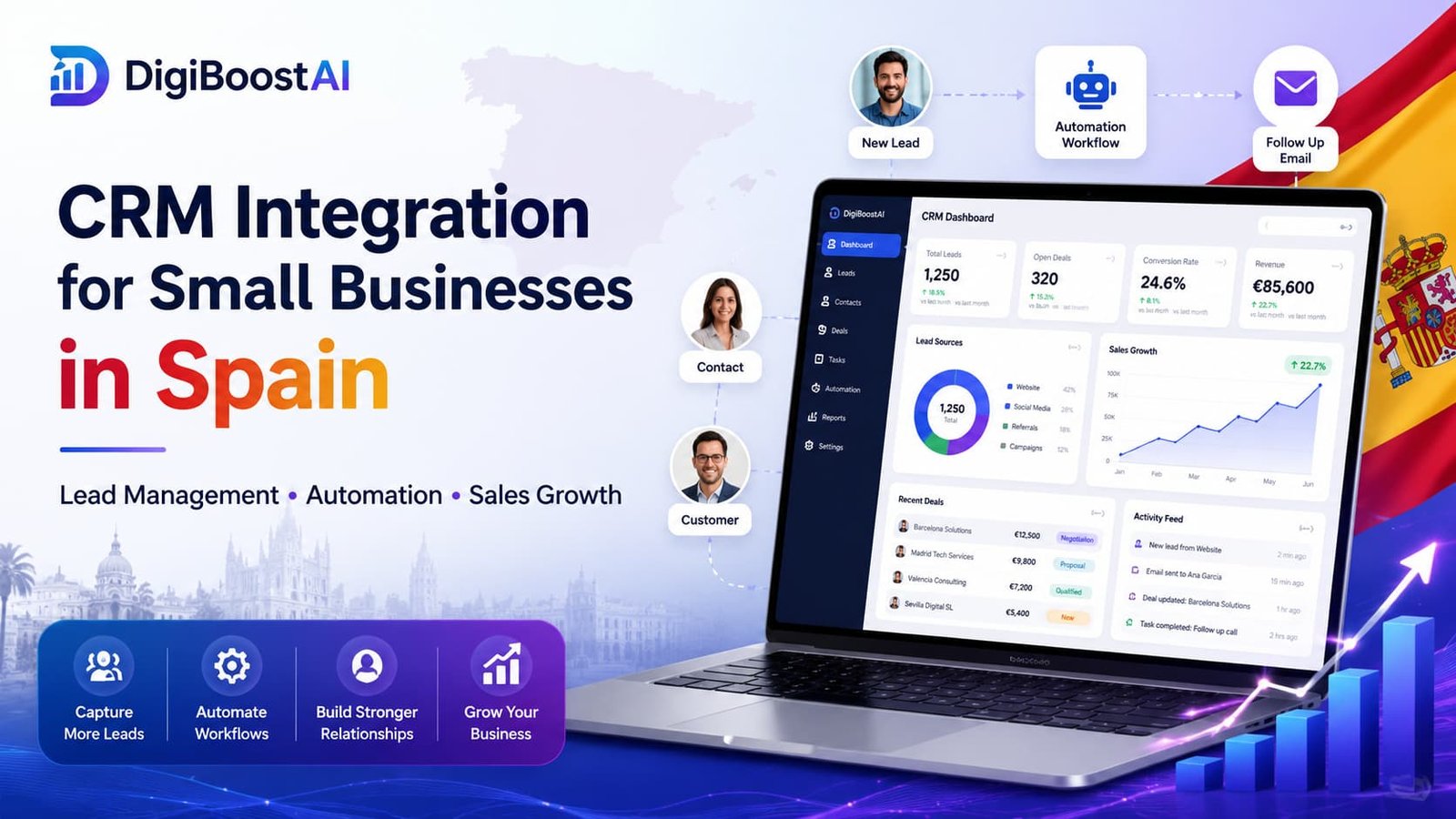
Running a small business can become difficult when customer information is spread across emails, WhatsApp messages, spreadsheets and social media. CRM integration brings all this information together, so your team can manage leads and customers without searching through different platforms.
It also helps businesses reply faster, remember follow-ups and understand where their best customers are coming from.
What Does CRM Integration Mean?
A CRM is a system used to manage customer relationships. It stores important information such as names, phone numbers, email addresses, previous conversations and sales progress.
CRM integration connects this system with the other tools your business already uses. These may include:
- Website contact forms
- Facebook and Instagram ads
- Google Ads
- Email marketing
- Booking systems
- Landing pages
For example, when someone fills out a form on your website, their details can be added to your CRM automatically. Your sales team can receive a notification and contact the person quickly.
There is no need to copy the information manually.
Why Small Businesses Need a CRM
Many small businesses start by managing enquiries through a spreadsheet or inbox. This may be fine at the beginning. However, it becomes harder when more leads start coming in.
Some enquiries may be forgotten. A customer may not receive a reply on time, or two team members may contact the same person without knowing it.
CRM integration gives everyone access to the same updated information. Your team can see who contacted the customer, what was discussed and what should happen next.
This creates a smoother experience for both your staff and your customers.
Manage Leads Without Missing Opportunities
A new enquiry can come from Facebook, Google, your website or a referral. Without a proper system, it is easy to lose track of where the lead came from.
With a CRM, every enquiry can be saved and placed into a clear sales stage, such as:
- New lead
- Contacted
- Qualified
- Proposal sent
- Customer
Your team can quickly see which leads need attention. Follow-up reminders can also be created automatically, so important opportunities are not forgotten.
Save Time with Simple Automation
Many sales tasks are repeated every day. Staff may need to send confirmation emails, update records, create reminders or notify another team member.
CRM integration can handle some of these small tasks automatically.
For example, after a customer submits an enquiry, the system may send a welcome email, create a follow-up task and alert the sales team.
This does not replace personal communication. It simply reduces manual work and gives your team more time to speak with customers.
Understand Which Marketing Channels Work
CRM integration can also help you understand your marketing results.
You may receive leads from several sources, but not every source will produce the same quality of customer. A CRM can show whether a customer originally came from Google Ads, Facebook, Instagram, your website or another campaign.
This helps you see which marketing activities are creating real enquiries and sales. You can then use your budget more carefully.
Keep Your CRM Simple
A CRM should make work easier, not more complicated.
Start with the basic information your team needs. Create simple sales stages and connect your main lead sources first. More automation can be added later as the business grows.
It is also important to train your team properly. Even the best CRM will not help if customer information is not updated.
How DigiBoostAI Can Help
DigiBoostAI helps small businesses build simple and connected sales systems.
We provide CRM integration, lead generation, AI marketing automation, website development and digital marketing support. We can connect your website, advertising campaigns and communication tools with a CRM that matches your business process.
The aim is to help your team respond faster, manage leads properly and turn more enquiries into customers.
Contact DigiBoostAI today to discuss the right CRM solution for your business.